40%
Production database reduction
Less data on the live system.

Years of historical records in the live ERP add to storage cost, slow reporting and complicate audit access. ennData360 archives, purges and migrates that data under governed approval, without disrupting business operations.
The challenge
Historical data is valuable, but keeping all of it inside the transactional ERP creates cost and operational drag.
Years of transactions, attachments and history stay in production databases long after operational use has declined.
Storage, backup, disaster recovery, cloning and maintenance costs all grow with the production footprint.
Large tables and indexes lengthen batch windows, maintenance activity and environment refreshes.
Records have to be kept, and retention policies, legal holds and traceability have to be enforced while they are.
One-off scripts and manual processes lead to inconsistent controls and audit evidence that is hard to produce.
Business value
Archive eligible historical data out of production, keep it accessible under your approved policies, and see the effect on cost, speed and risk.
40%
Less data on the live system.
30%
Storage, backup and administration.
35%
Smaller tables, quicker reads.
For divestitures and historical extraction, completeness and auditability matter more than speed.
99.9%+
Source and target checked at every checkpoint.
100%
According to approved policies.
Target outcomes. Results vary with your environment and the share of data eligible for archival. We baseline your own numbers in the data assessment first.
Baselined first: Production database size, annual database and storage cost, backup and DR footprint, clone and refresh duration, and batch and maintenance windows.
ERP compatibility
ennData360 is ERP-agnostic. A connector-based architecture lets the same governed workflow of plan, approve, validate and execute run across different ERP data models, from one console.
Compatible with the cloud platforms your ERP and your archive run on, so history can sit where the rest of your estate already lives.
ERP-agnostic: One console, one workflow, and a connector for each ERP.
The approach
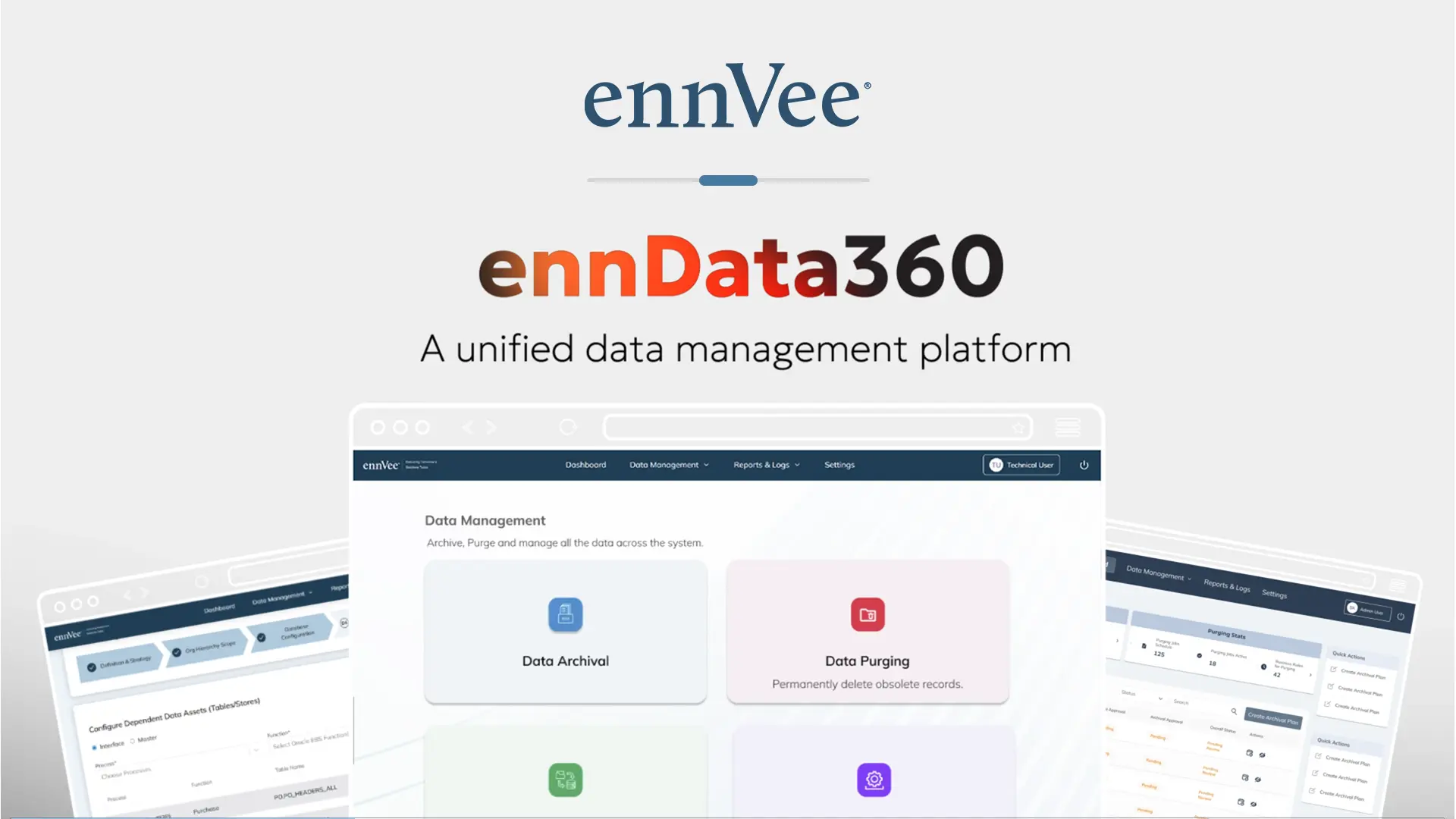
ennData360 is a metadata-driven platform for the full ERP data lifecycle. It automates archival, migration, purging and mass updates through role-based workflows, with a complete audit trail behind every step.
Active data
Open Parquet
Query, report, evidence
Active data stays in your ERP. ennData360 operates without disrupting business operations.
What it does
Every plan follows the same path: the business user states the intent, the technical user builds and tests the query, and the approver reviews both and runs it in production.
States the business object, the retention rule and the organisation scope in plain terms.
Prepares the queries: maps tables and relationships, then builds and tests them in non-production.
Business and CDO approvers review the request and the technical queries. Each approval is recorded before anything is scheduled.
Impact assessment, connection checks and schema checks run before any data moves.
The approver schedules the run and executes it in production. Archival runs in chunks, on demand or scheduled off-peak, with logging and controls throughout.
Archived Parquet is queried through analytics tools, and records are retrieved, viewed and reported through governed access.
Technical users never run anything in production. They build and test. The approver executes. Every run reports its own statistics, in a dedicated pane for each activity.
Move aged, inactive data out of production and keep it available.
Defines scope, retention policy and business rules in a guided form, and chooses whether to include purging.
Builds and tests the archival queries, and previews the generated SQL and record count.
Purging can be decided at planning time. It starts only after the archive is validated.
You build the plan in a guided form. You set the plan details, the organisation scope, the retention policy with its justification, the business processes and functions in scope, and the business rules that decide which records qualify, each as a field, an operator and a value. At the end there is one choice: include purging, or archive only. Deciding now means no separate purge plan later.
Steps: details, organisation context, policies, process and scope, business rules, review and submit.
The plan arrives with the intent already defined. You confirm it is feasible and build the archival queries, including the joins that carry the parent-child relationships. If purging was included, you build the purge queries too. You can review the generated SQL and the record count before you submit.
The approvers reviews the business requirements and the technical queries for compliance, accuracy and risk control. Approve moves the plan to scheduling. Reject returns it for rework. After approval the plan is scheduled, and the approver sets timing, frequency and conditions.
The archival job runs on schedule. Source and target record counts are validated at the checkpoint. If purging was included, the purge is triggered only once that validation succeeds. Archive and purge each report their own statistics, in separate panes.
Remove obsolete data safely, with the same controls as archival.
Defines what to delete and why: the process, functions and data entities in scope.
Builds the purge query with conditions and filters, validates it and submits it for approval.
Deletion is permanent, so three roles take part. The business user defines it, the technical user prepares it, and the business and CDO approvers both sign off before it is scheduled.
Purging starts fully in business hands. In three steps you define the plan details, the process, functions and data entities in scope, and then review and submit. The result is a clear statement of what data to delete, from which domain, and in what business context.
You turn that intent into execution logic. Configure the source connection, build the purge query by applying conditions and filters, validate it internally, and submit it for approval.
The approvers checks the business scope, the technical query, and the risk and compliance position. After approval the plan is scheduled, and the approver sets the timing.
The purge job removes the data permanently, so every purge passes through the same three roles, with two-person approval for destructive operations. When a purge is part of an archival plan, it starts only after the archive has been validated successfully. Purge statistics are reported in their own pane.
Move data between systems or environments, with the approver validating the exact queries.
Defines the source, target, strategy and scope. No SQL is involved.
Connects source and target, selects the data assets, maps the columns and builds the query.
Intent and execution are kept separate, and the approver validates the exact generated queries.
You define what moves, from where, to where, and under which scope: the project title, source system, target system, migration strategy (for example big bang or phased), and the migration scope. Then you submit. No SQL is involved at this stage.
Migration has the fullest technical step, in three parts.
The approvers reviews the business scope, the technical configuration and the generated queries. Approve moves the plan to scheduling. Reject sends it back. After approval the approver sets timing and frequency.
The migration runs on schedule and data moves from source to target, with integrity maintained and the whole lifecycle governed. Run statistics are reported in a dedicated pane.
Change many records at once, in a controlled and auditable way.
States what needs updating and why. No technical logic at this stage.
Builds the update query and validates it against unintended overwrites and incorrect filtering.
Impact analysis and simulation preview the change, with automated logging and rollback.
You state what needs updating and why: the plan details, then review and submit. There is no technical logic at this stage, only intent.
You configure the source database connection and build the update query: select the tables, define the columns to update and apply the conditions. Validation focuses on two risks, unintended overwrites and incorrect filtering. Then you submit the query for approval.
The approvers reviews the business intent, the technical query and the risk impact. Approve moves the plan to scheduling. Reject returns it for rework. After approval the approver sets the execution timing.
The update runs on schedule and modifies the data according to the defined logic, with consistency maintained and minimal manual effort. Run statistics are reported in a dedicated pane.
A specialist can help you scope it.
Or request a data assessmentFeature spotlight
Data Retrieval gives business and audit users direct, governed access to archived records—no support ticket, no database request. Retrieve any transaction in seconds, view its full lifecycle, and publish it straight to your reporting stack.
Search by transaction number, supplier, customer, item, date, amount, organization, ledger, or source reference.
Open the complete transaction lifecycle—lines, distributions, accounting, approvals, and attachments.
Publish governed views and datasets for operational reporting, audit requests, and management analytics.
Discuss your historical ERP data requirements with an ennData360 specialist.
We reply within one business day.
Share your ERP environment and data requirements to understand whether ennData360 is a fit.
The team reviews your answers and replies with next steps.
Prefer to read first? Download the datasheet. No contact details needed.
Built in, not bolted on
Every plan is approved before anything moves.
Separate the cost of keeping data from the cost of running your ERP.
An engine built for integrity and scale.
One workflow across ERPs and cloud platforms.
Open Parquet on cloud or on-premises object storage, such as AWS S3, Azure Blob, OCI Object Storage and Google Cloud Storage.
Historical data needs no continuous ERP database compute. It is queried only when reporting, audit or analytics calls for it.
Query it with Athena, BigQuery, Databricks, Snowflake or any compatible engine.
ERP schemas become business objects that people can reason about.
Query generation and execution built for integrity and safety.
Connectors, APIs and metadata that adapt to new ERPs and new requirements.
The right access for every role.
Business users define scope, technical users build and test in non-production, and approvers authorise production runs.
Compliance built into every plan.
One repository for retention, access and legal policies, with legal holds, policy inheritance.
Every run secured and traceable.
TLS/HTTPS encryption, least-privilege database roles, complete who, what and when logging, and transactional recovery controls.
In practice
From routine database clean-up to a full business separation, the workflow is the same: scope it, map it, approve it, validate it, and execute it with a record of every step.
A controlled path for separating historical data when a business unit is sold or spun off.
A business unit is sold or spun off, and the seller’s ERP holds history for several business units in a single instance. The new owner needs its own history without inheriting the rest, and the seller must hand over only what belongs to the divested business.
ennData360 scopes the carve-out by legal entity, operating unit and organisation, applies business-object rules, and writes the separated history to its own store.
A clean, independent historical repository for the separated business, with a documented approval trail covering exactly what was handed over.
Closed, aged transactions leave production. The relationships between them stay intact.
Closed, fully completed transactions have piled up in production for years: purchase orders with supplier and line detail, customer masters, item and branch records. Nobody wants to archive a parent record and strand the child records that depend on it, so nothing gets archived.
A business user defines the plan in plain terms: what to archive, the rule, and the organisation scope. A technical user maps the parent-child chain and previews the exact record set. A CDO approver reviews the mapping and the data preview before anything is scheduled.
The aged transactions leave production as a structured archive with their relationships preserved. The plan carries a full approval and execution trail, and source and target record counts are validated at the checkpoint before the run completes.
Decommission the legacy instance. Keep the history.
A legacy ERP instance is being decommissioned or consolidated, but its history still has to be kept, and still has to be reachable, for years afterwards.
Historical records are scoped by module and organisation, moved in dependency order, validated, and written to open Parquet in object storage.
History stays accessible for audit, reporting and analytics without keeping the legacy system running just to answer questions. Because the archive is open and held in your own environment, access does not depend on the retired system.
Auditors and regulators get answers without a production query.
Auditors, regulators and business teams ask for historical records long after those records have left day-to-day use. Each request turns into a support ticket and a query against the production database.
Retention rules and legal holds are set once and applied through the archival workflow. Archived records are then retrieved by transaction number, supplier, customer, item, date and more, opened in a read-only lifecycle view, and published to reporting tools.
Audit and regulatory requests are answered from governed, read-only archive access rather than from production, and history stays available for reporting and analytics.
A specialist can walk through your landscape, or a data assessment can put numbers on it.
Prefer to read first?
Get the datasheet by email